
Setup
After installing Greenative Studio, complete the initial setup by following the steps below the first time you launch the application.
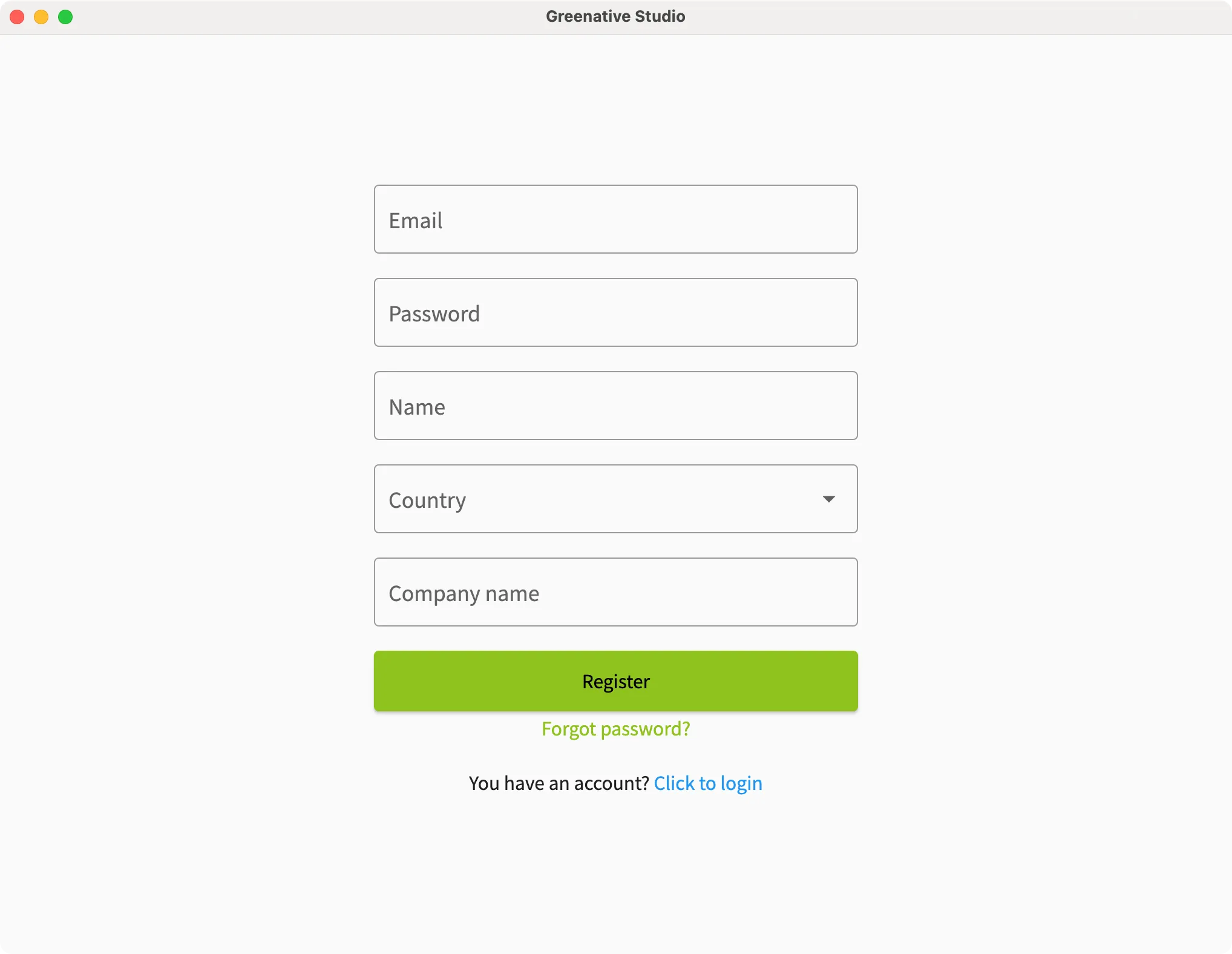 |
1. Sign in to the application. ※ You must create an account before signing in. |
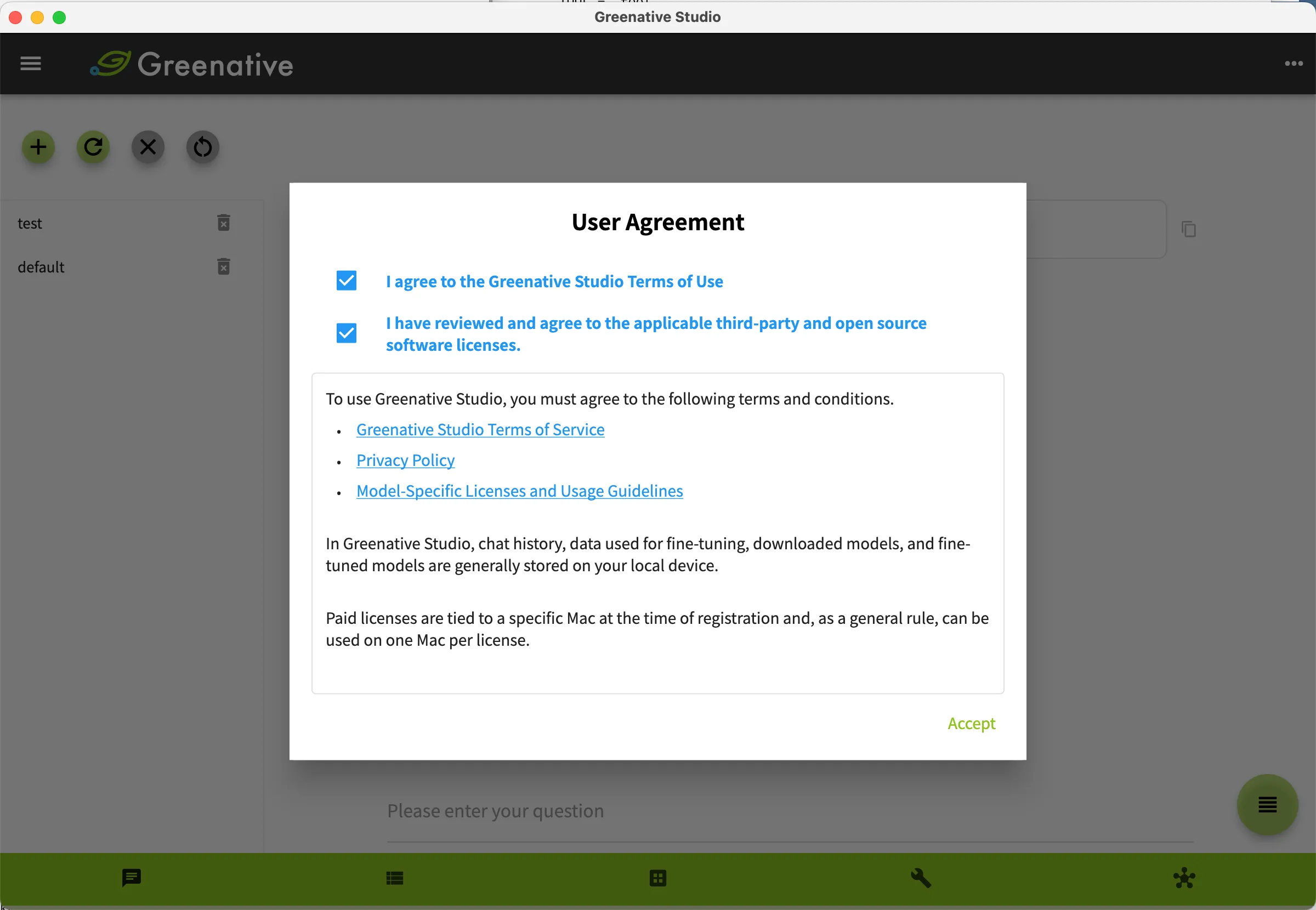 |
2. Review the application’s Terms of Use, select the checkbox to indicate your agreement, and then click Agree. |
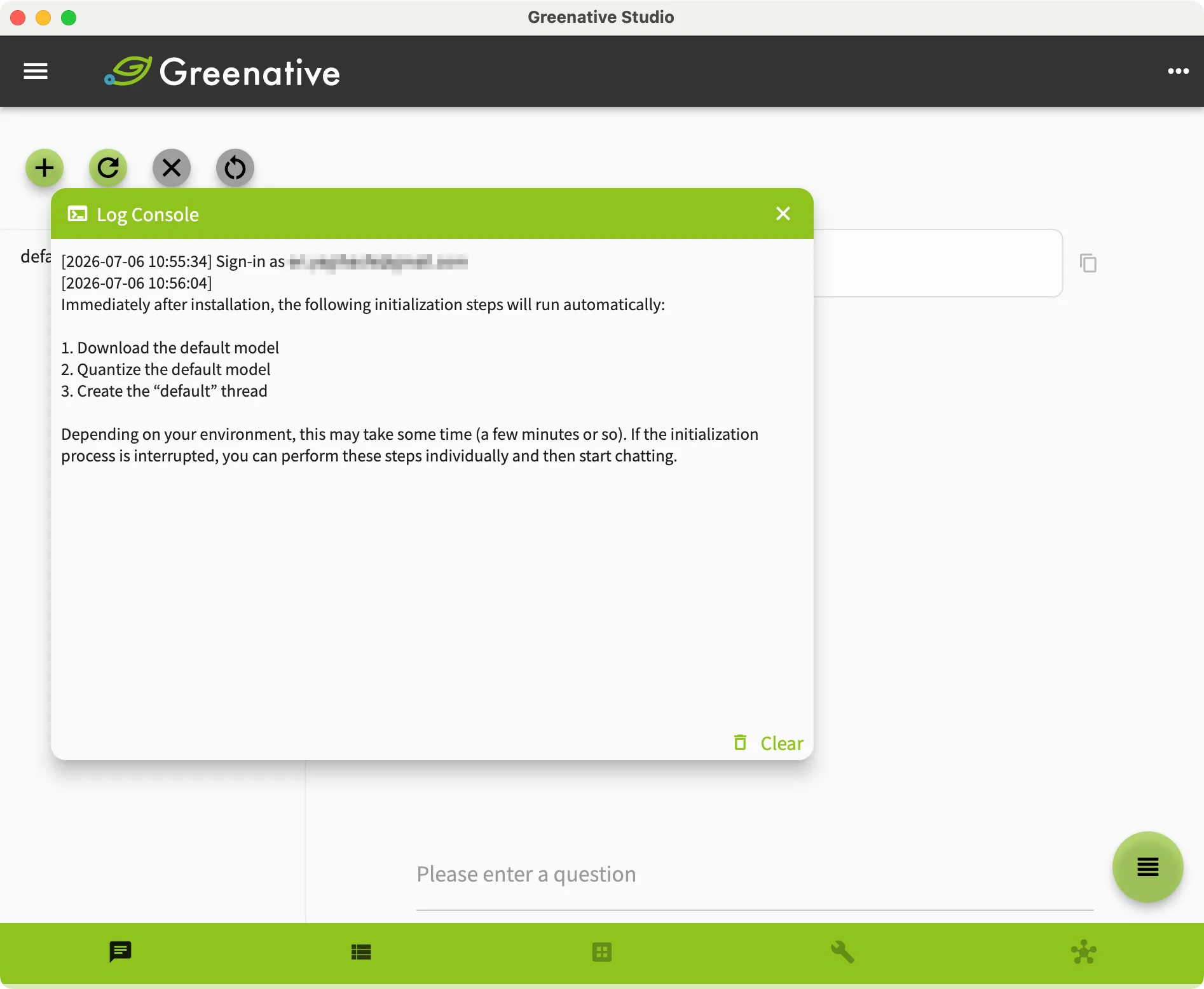 |
3. The application automatically performs the initial setup process. - Download the default model. - Quantize the default model. - Create the default thread. Depending on your environment, this process may take several minutes to complete. If the initialization process is interrupted, you can perform each task individually and then start a chat. |
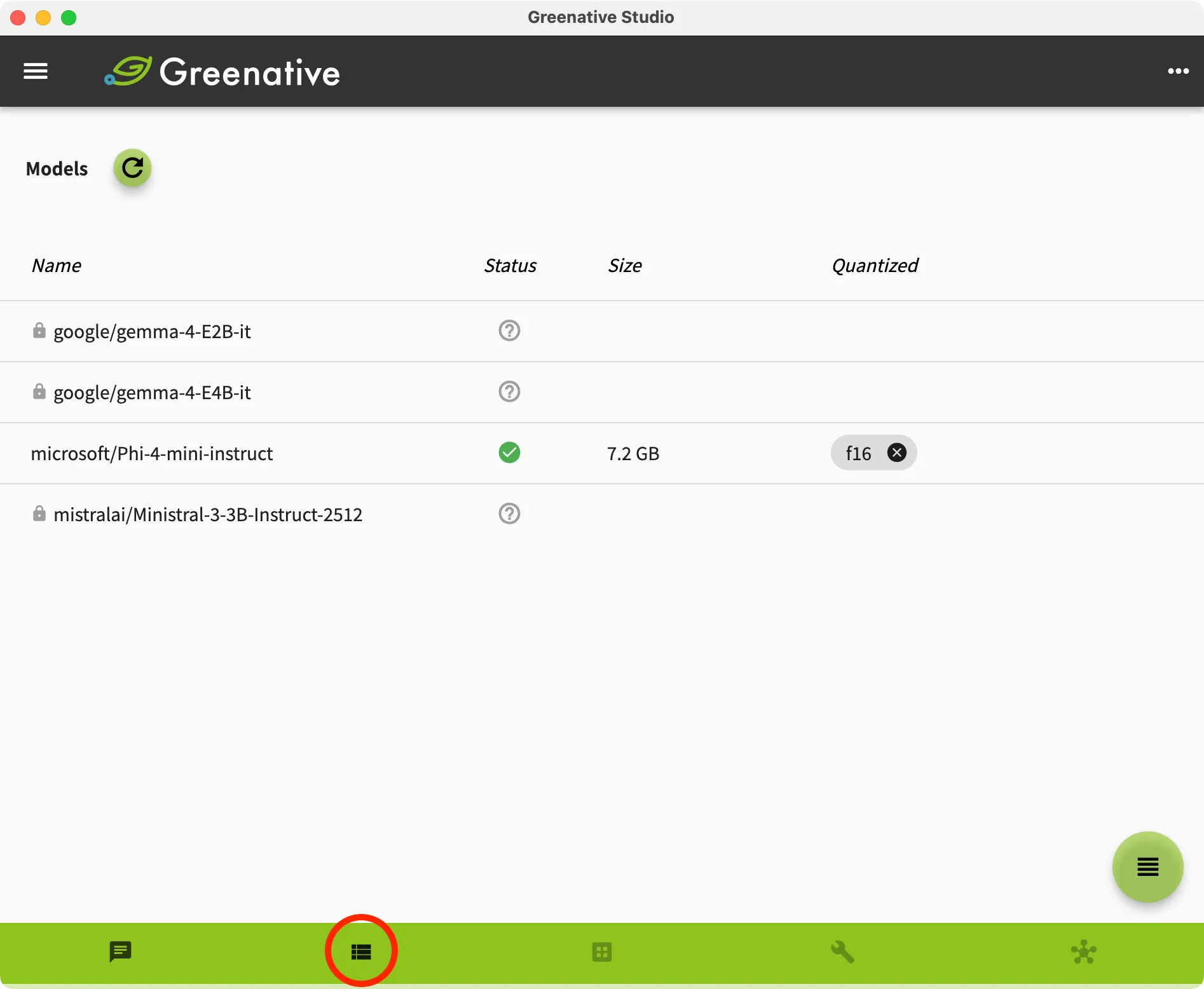 |
4. Click “Model” on the bottom navigation bar to view the status of each model and its quantization state. Immediately after installation, only the default model is available for use. |
| (Optional) Changing the Display Language | |
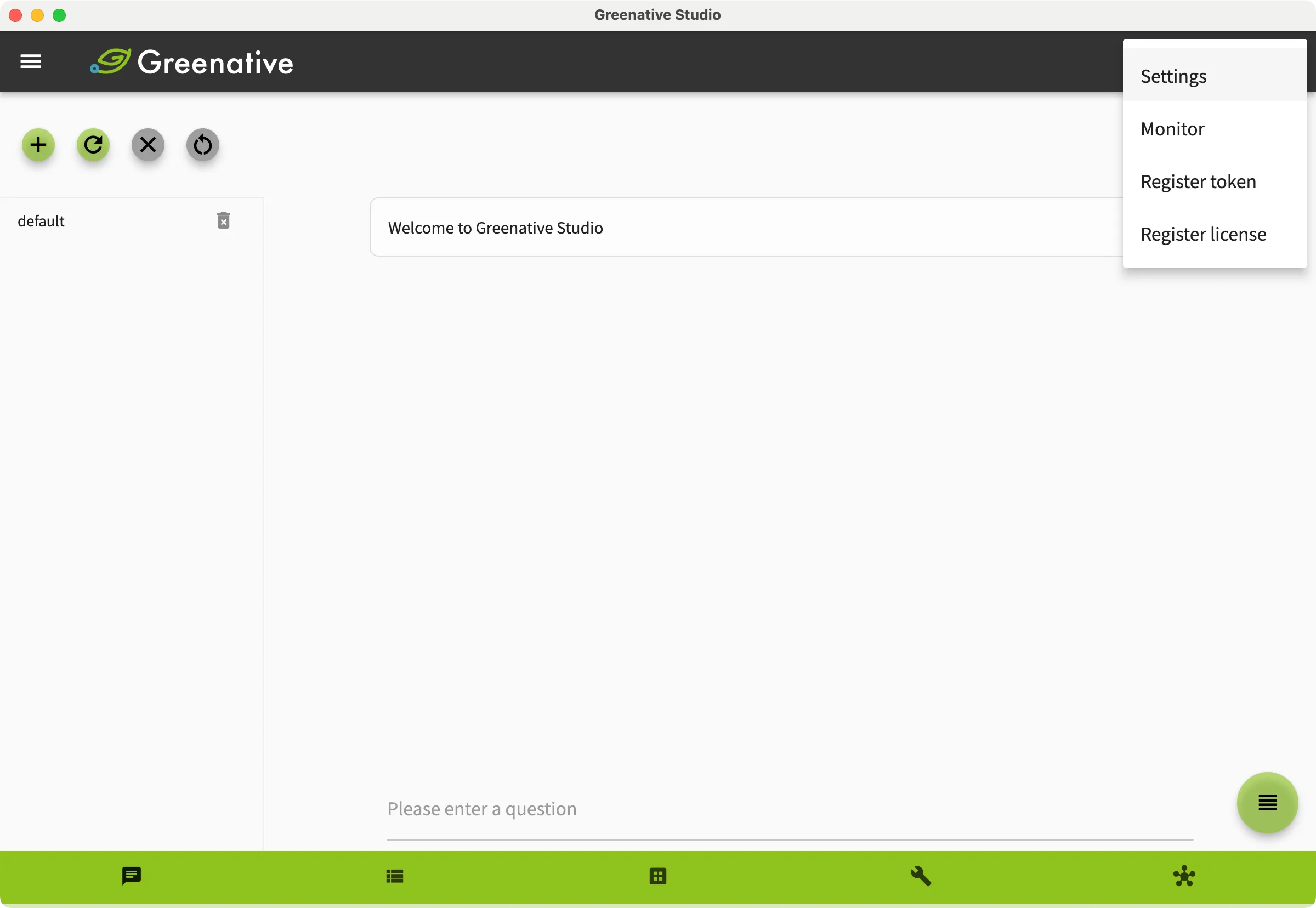 | Click the  in the upper-right corner of the screen, and then select “Settings”. in the upper-right corner of the screen, and then select “Settings”. |
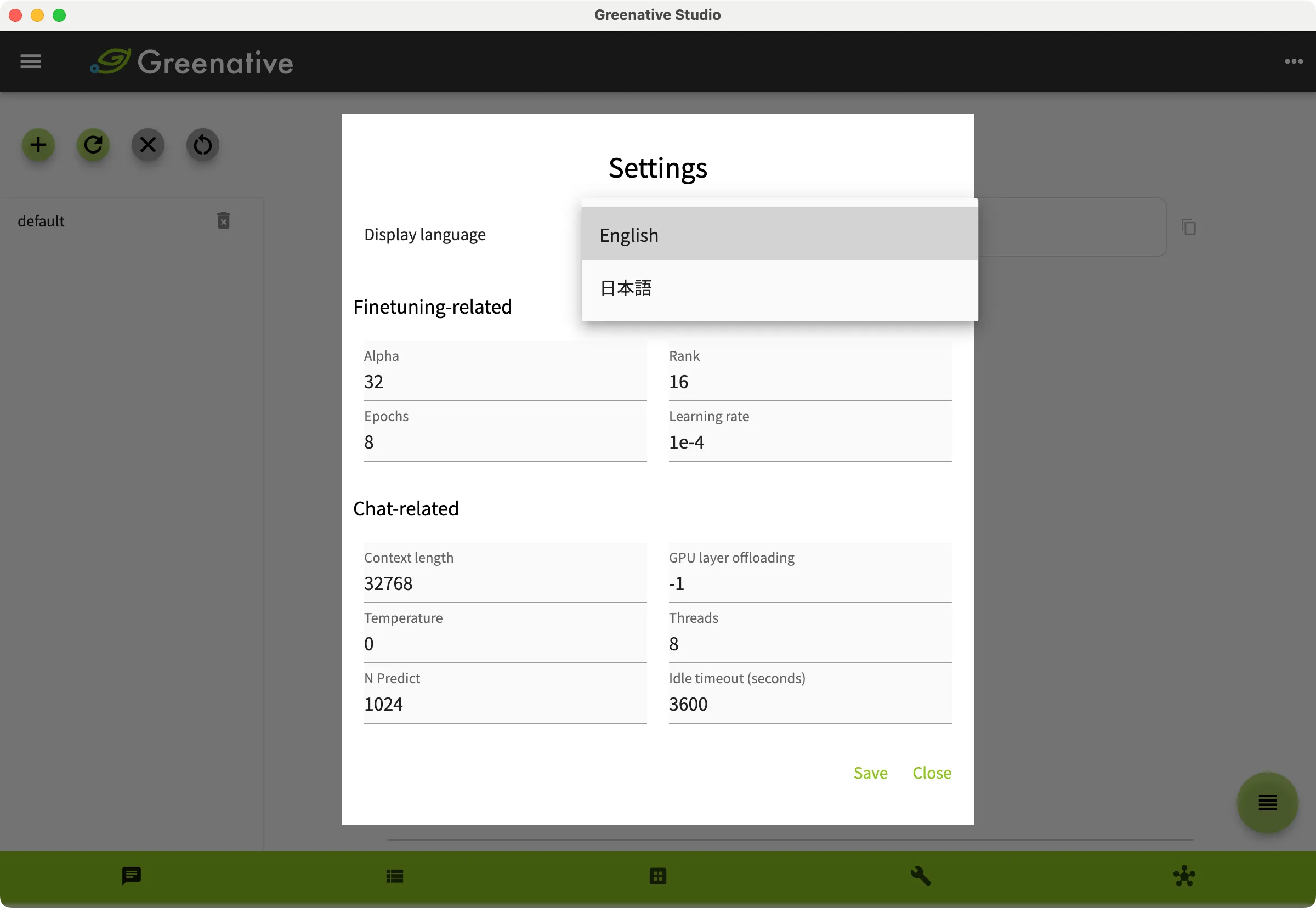 |
Under “Display Language”, select the language you want to use. |