
Install
This section explains how to install Greenative Studio.
 |
1. Go to the product download page. ※ An account is required. 2. Click “Download” to start the download. |
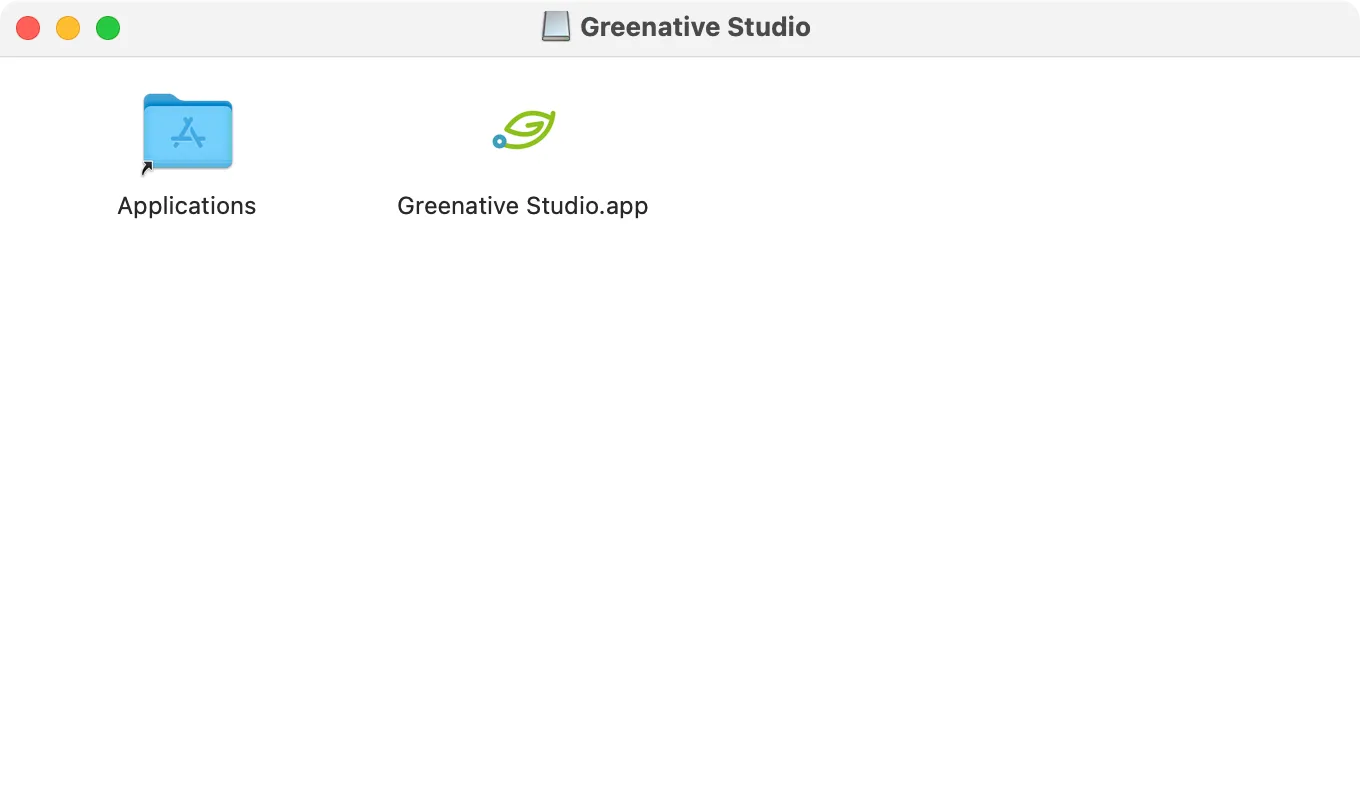 |
3. Double-click the downloaded DMG file. 4. Drag and drop the Greenative Studio application icon into the Applications folder to complete the installation. |