
Quantize Models
This section explains how to quantize a model.
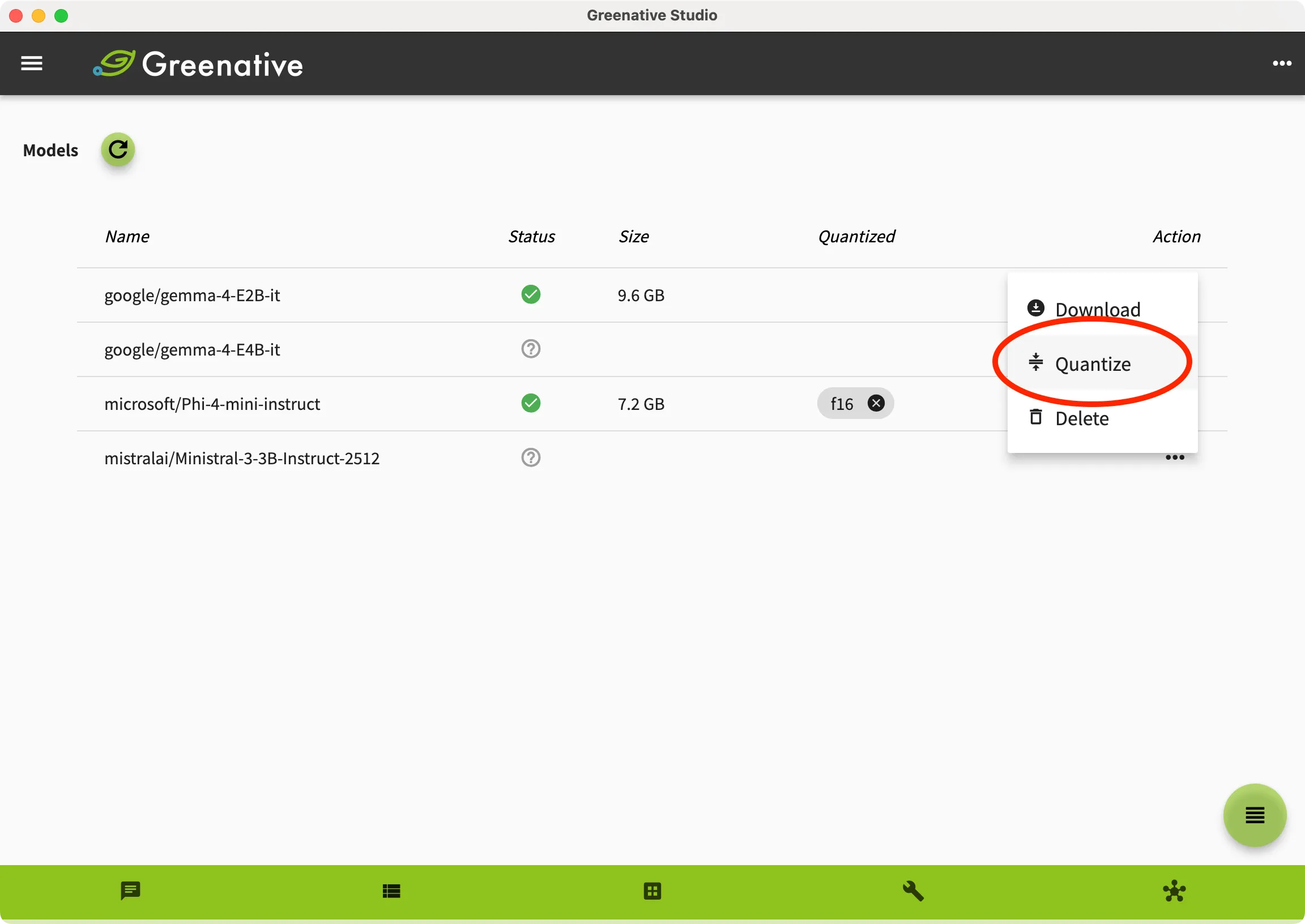 |
1. Open the “Model” screen. 2. Select the model you want to quantize from the model list, open the Action menu, and click “Quantize”. |
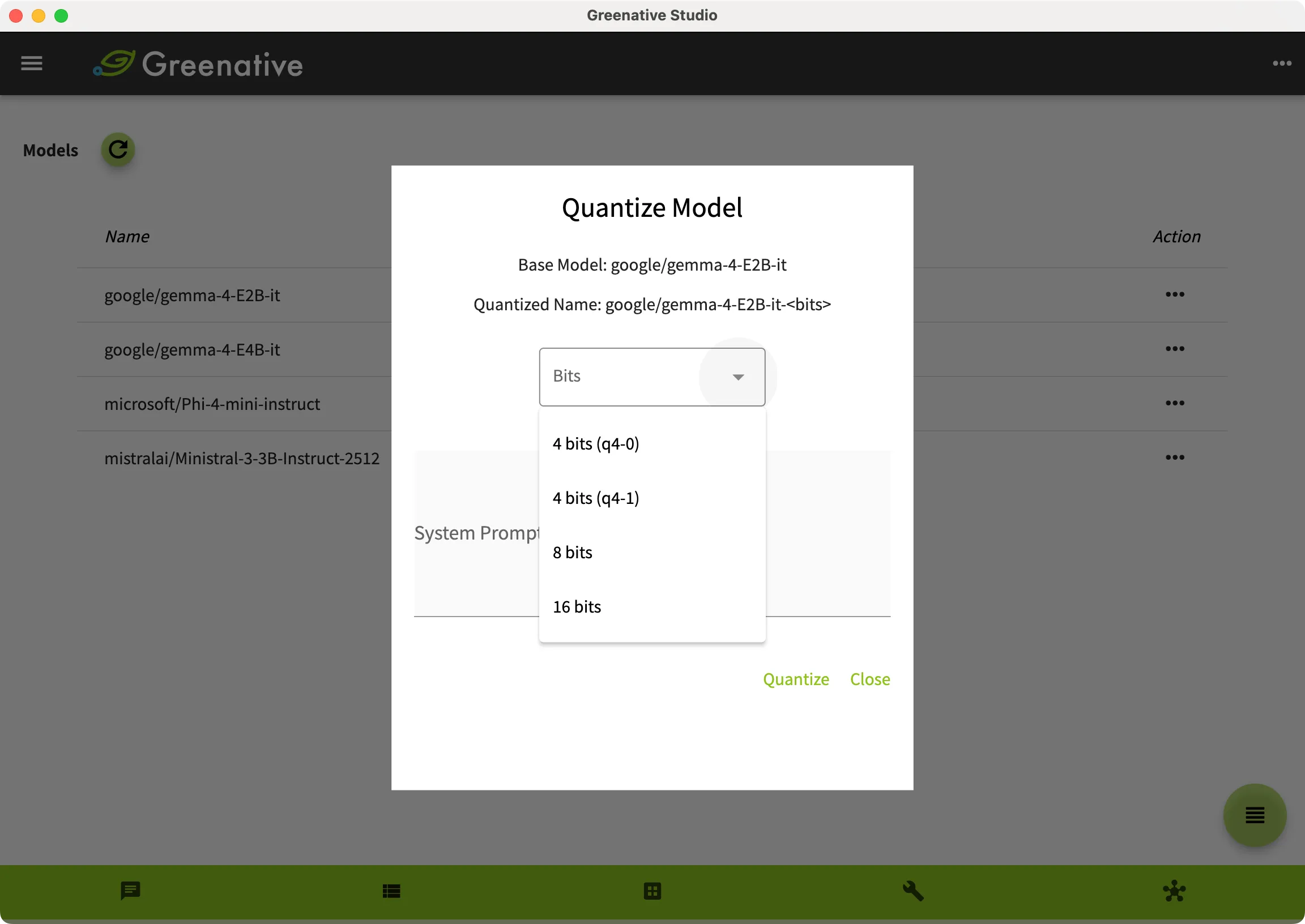 |
3. Select the number of bits and click “Quantize”. |
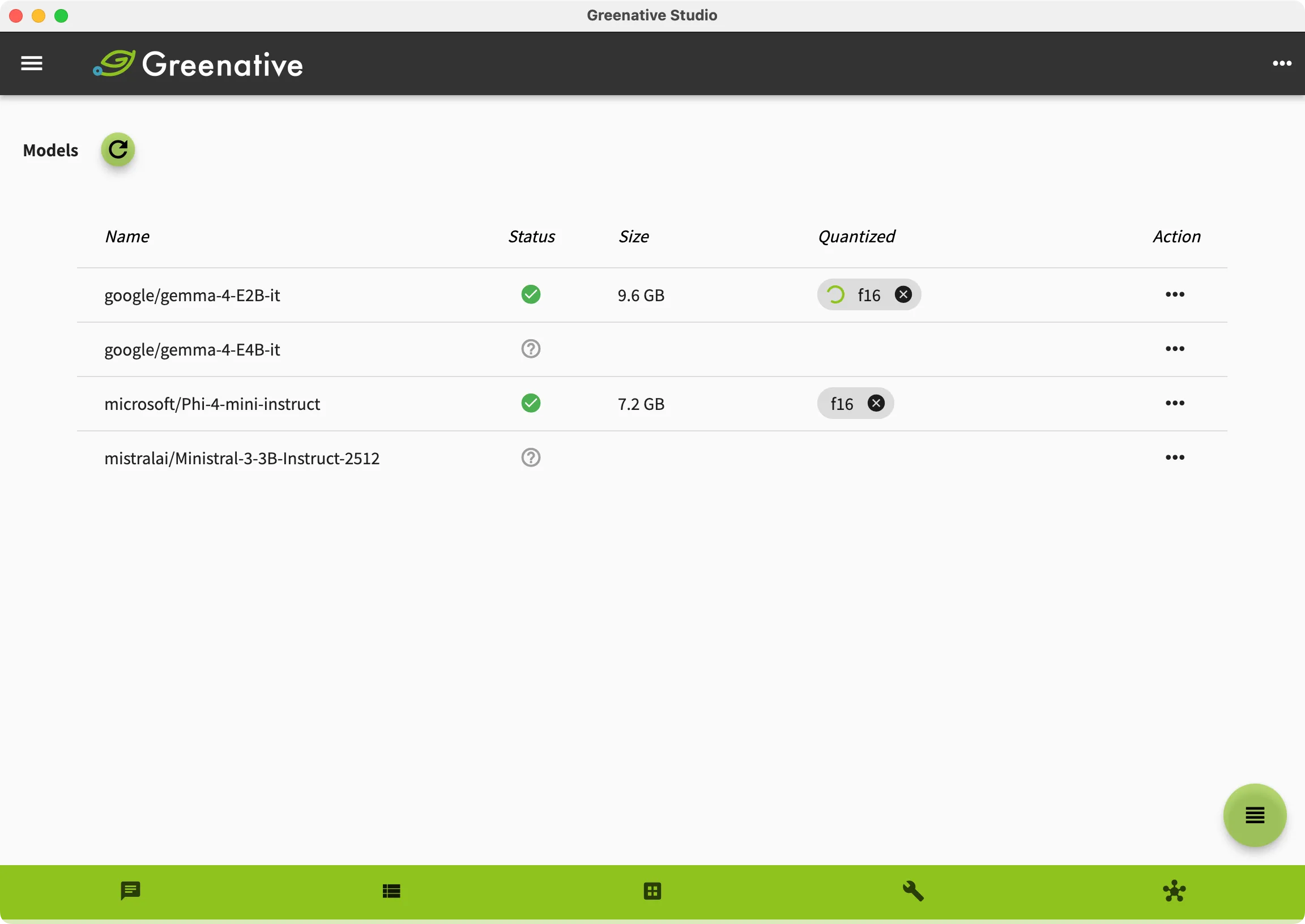 |
4. While the model is being quantized, “Quantized” status is displayed as processing. |
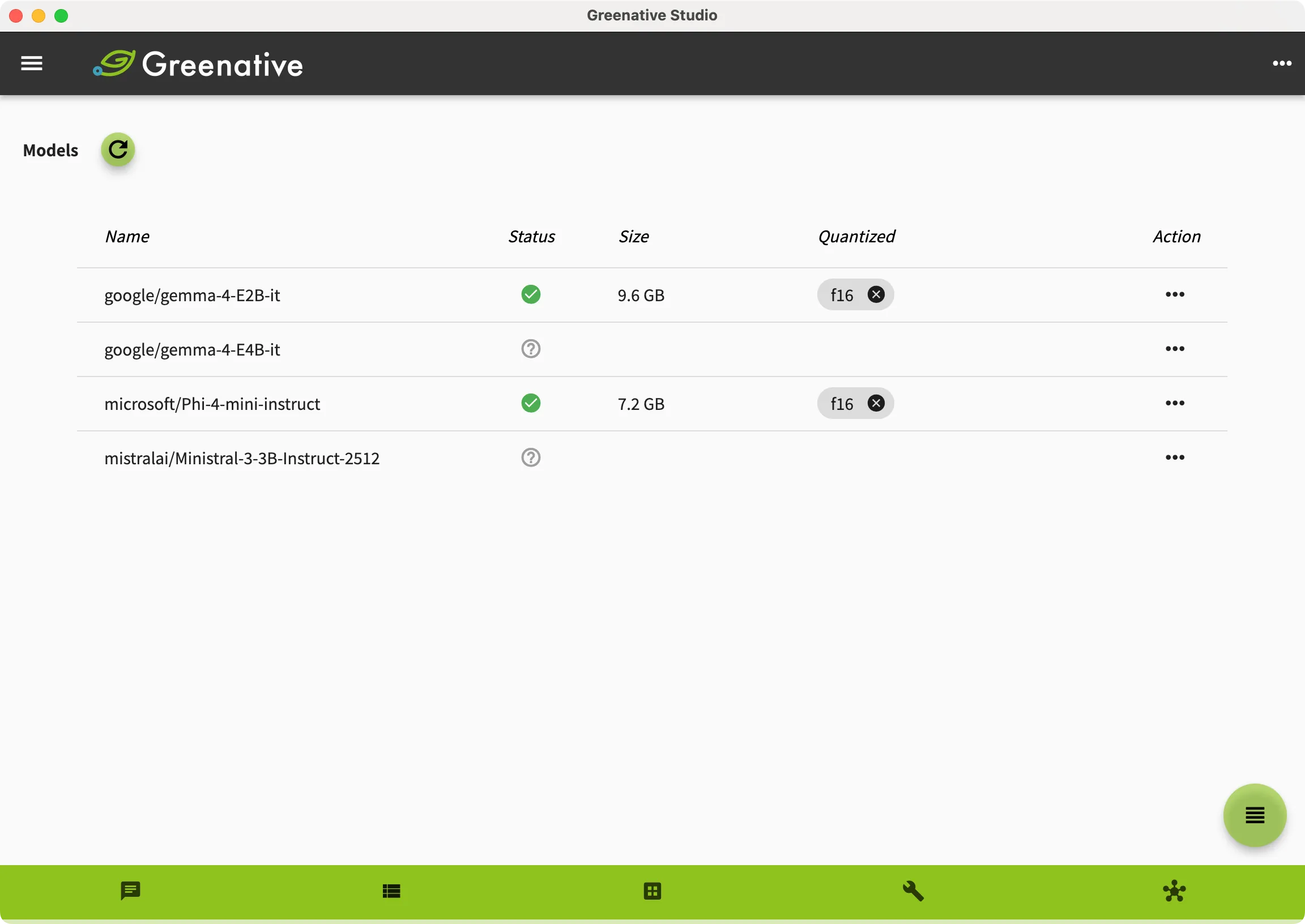 |
5. When the quantization process is completed successfully, the screen will appear as shown on the left. You can create a thread using a model that has completed the quantization process. |