
Coding Gateway
Greenative Studio includes a Claude Code–compatible API gateway, so you can use a local LLM as the backend for Claude Code. Requests are relayed directly to the inference engine running on your desktop, so your code and conversation content are never sent to an external server. With only environment variables to configure, you can use fully private coding assistance with the same workflow you are used to.
A license is required to use the coding gateway.
Purchase a license from the license purchase page, and then register your license key.
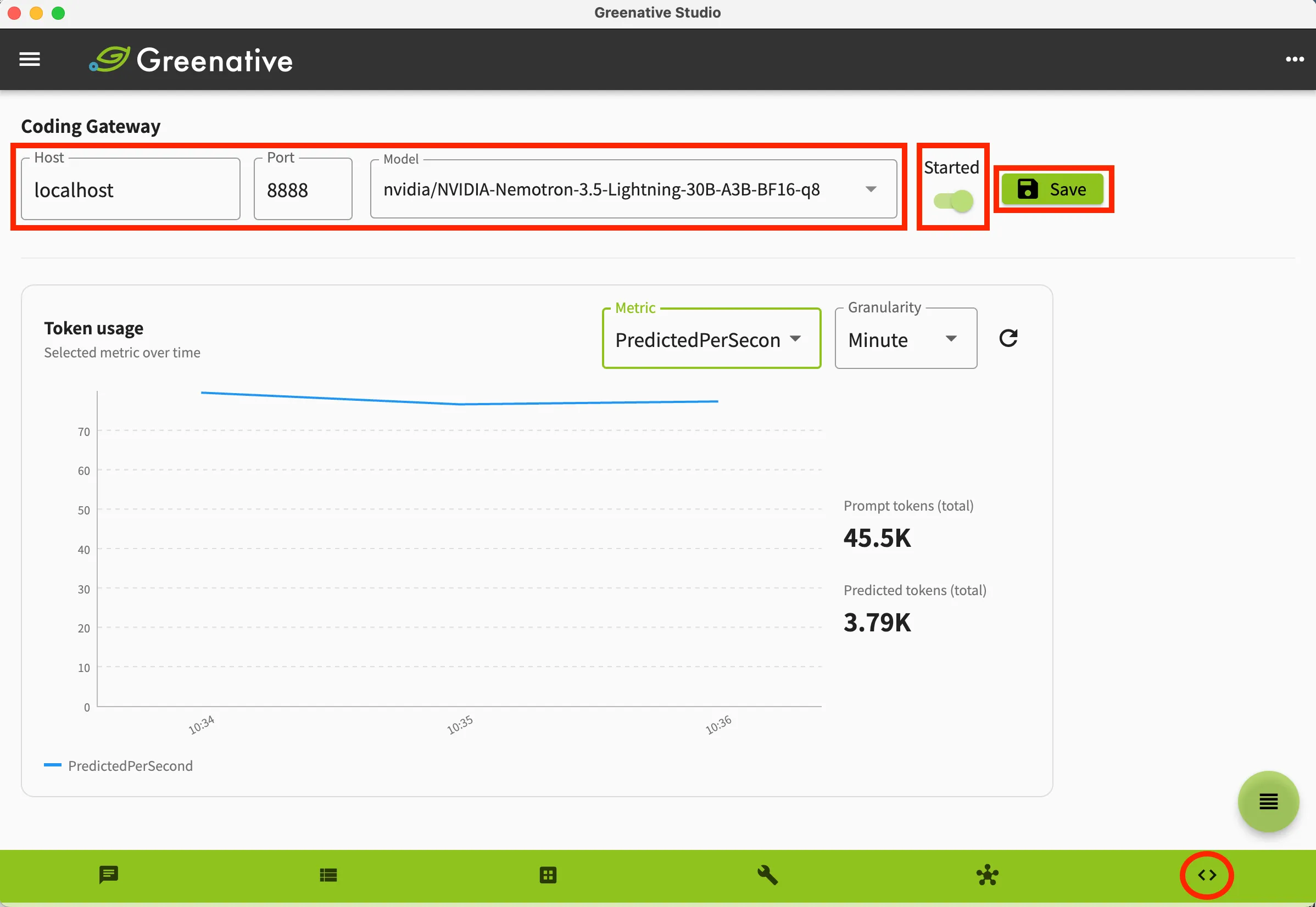 |
1. Click “Code” on the bottom navigation bar to display the Coding Gateway screen. Leave the host as localhost, specify any port number, and select the model to use for coding. Then start the gateway with the toggle button to the right. You can save the configuration with the Save button. |
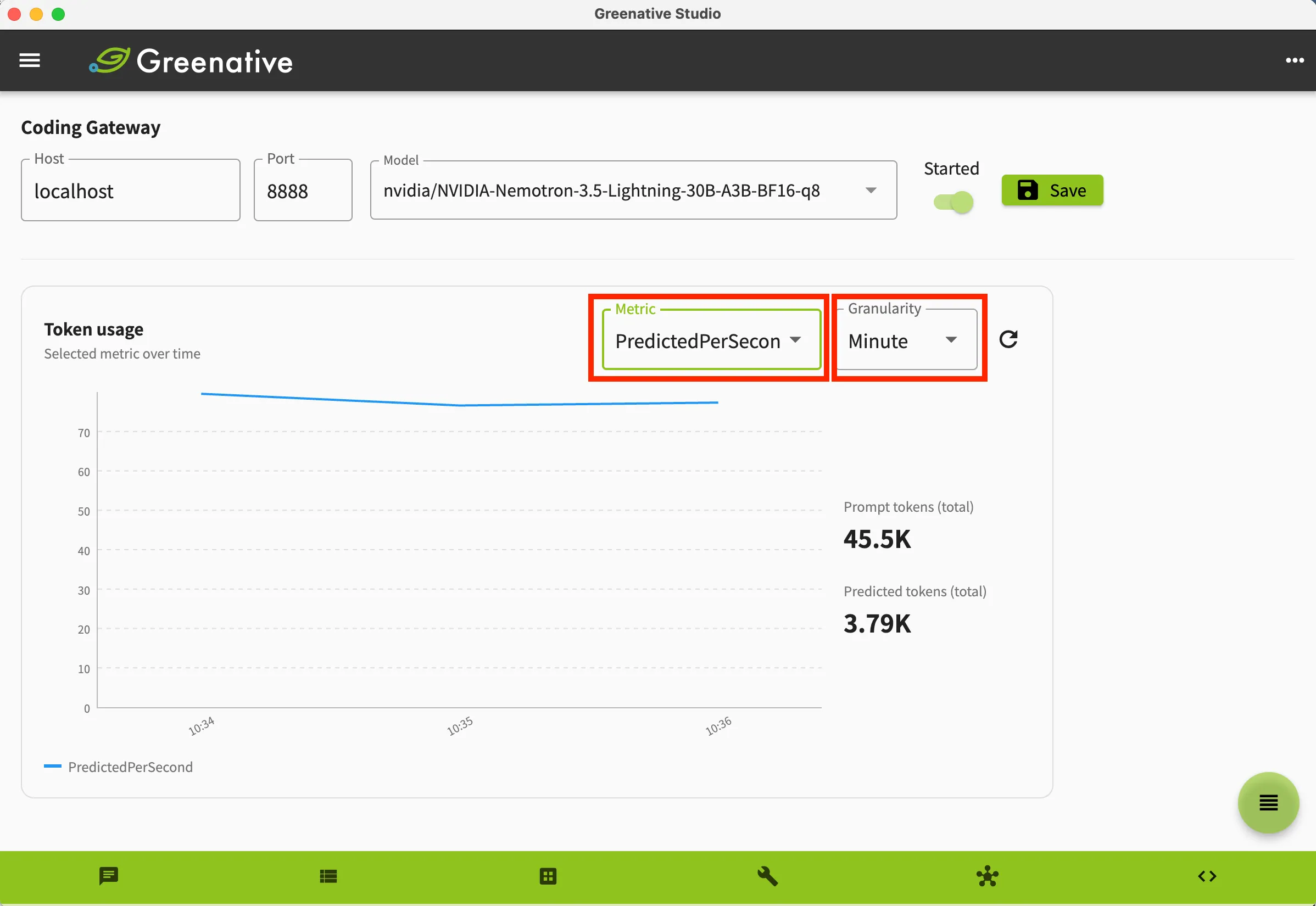 |
2. The following metrics related to processing through the coding gateway are collected automatically. ・PromptN — Number of newly processed input tokens ・PromptMS — Time spent on input processing (prefill) (milliseconds) ・PromptPerSecond — Input prompt processing speed (tokens/second) ・PredictedN — Number of output tokens generated by the model ・PredictedMS — Time spent generating output (milliseconds) ・PredictedPerSecond — Output generation speed (tokens/second) ・CacheN — Number of input tokens reused from cache |