
Claude Code Integration
This section explains how to access Greenative Studio from the Claude Code CLI via the coding gateway.
A license is required to use the coding gateway.
Purchase a license from the license purchase page, and then register your license key.
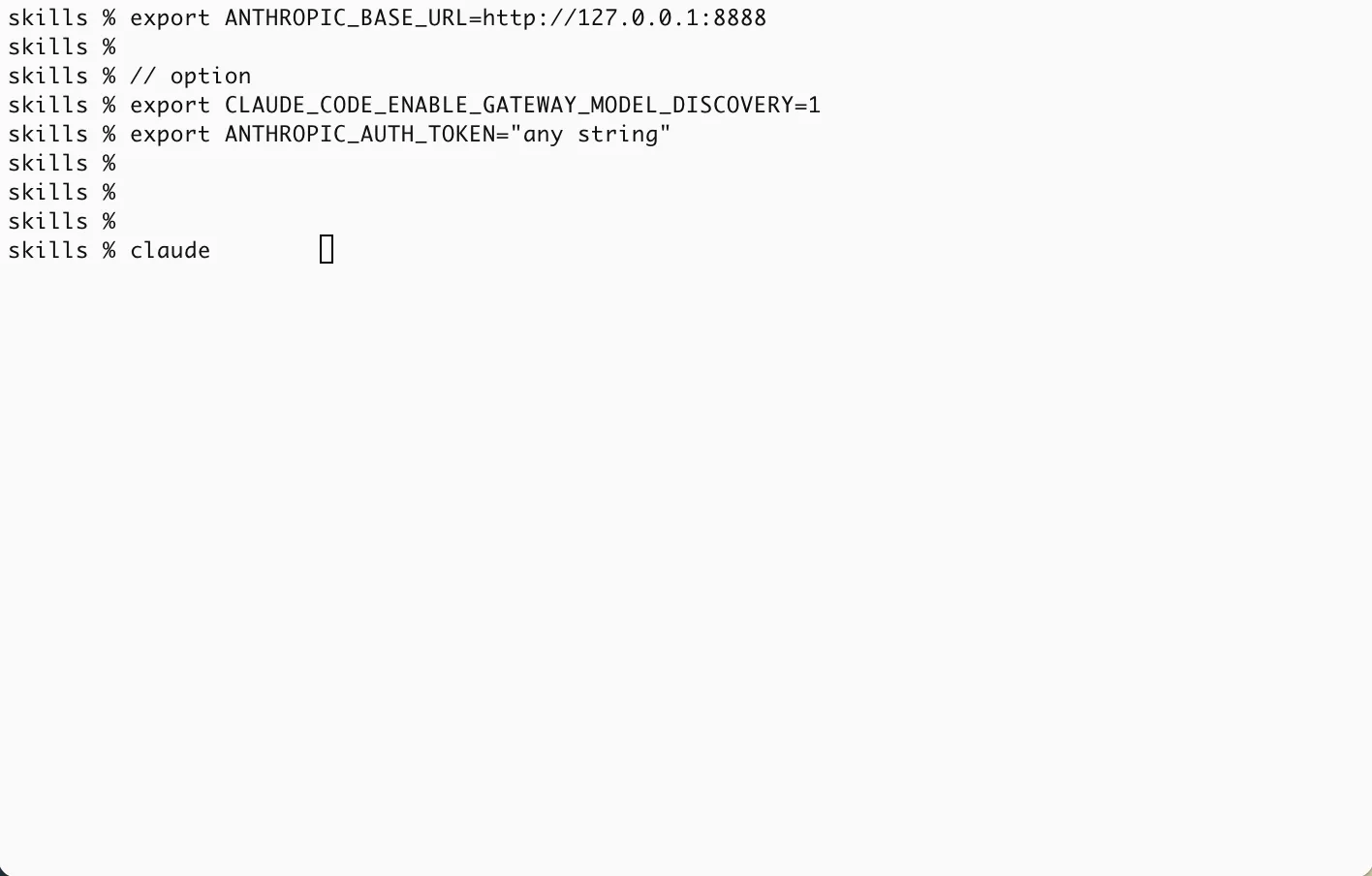 |
1. By setting the following environment variables in the terminal, you can change the Claude Code CLI connection destination to Greenative Studio running locally. - export ANTHROPIC_BASE_URL=http://127.0.0.1:8888 : Specifies the localhost (127.0.0.1) and port number. Optional (set these when selecting a model with /model) - export CLAUDE_CODE_ENABLE_GATEWAY_MODEL_DISCOVERY=1 : Dynamically retrieves the list of models provided by the gateway. - export ANTHROPIC_AUTH_TOKEN=“any string” : Used when authenticating via an LLM gateway or custom proxy (Bearer token). Not used by Greenative Studio. |
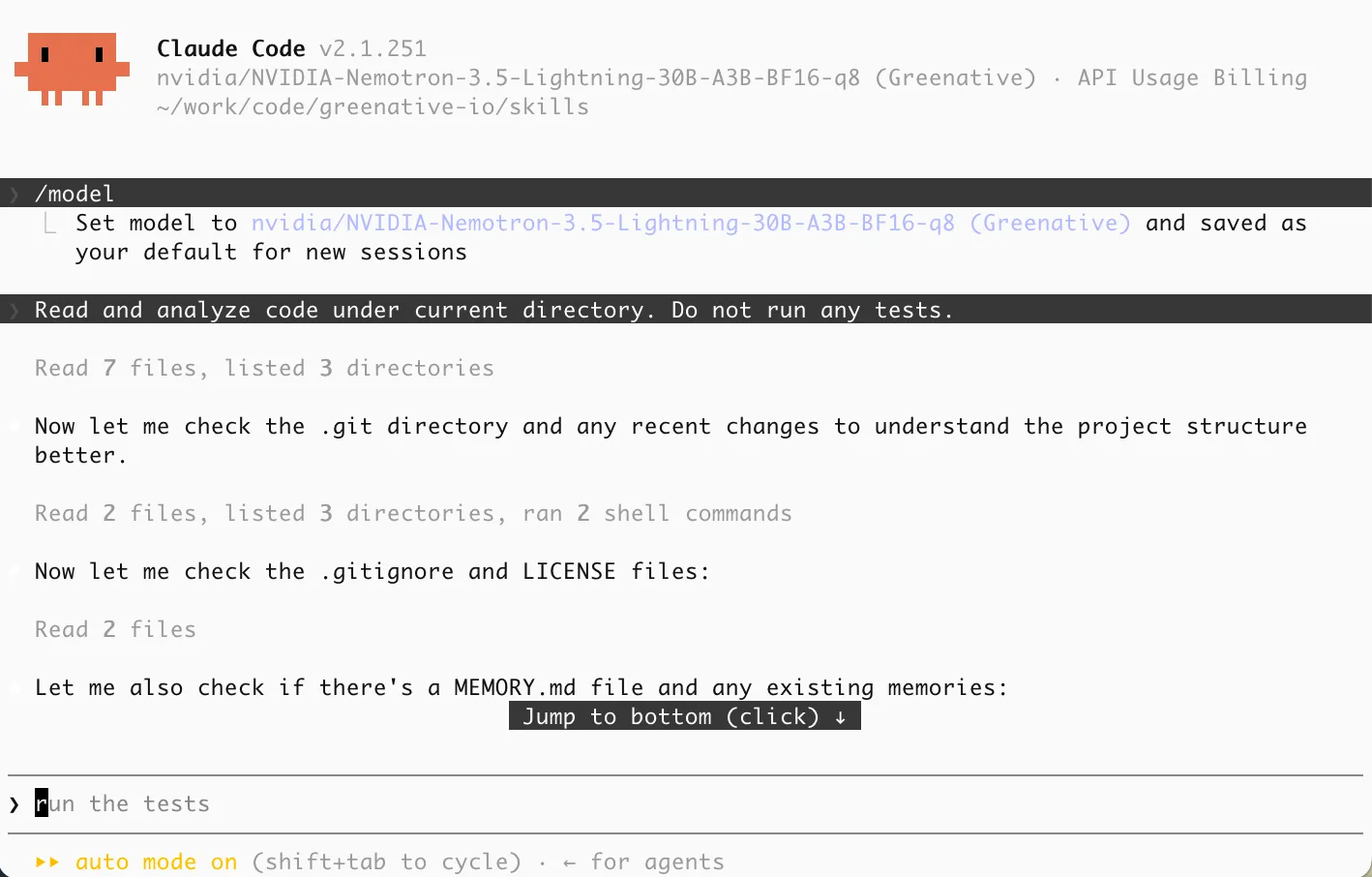 |
2. You can connect to Greenative Studio from the terminal with the claude command. You can also display available models with the “/model” command. How you use the Claude Code CLI is the same as usual, but the quality of generated code and the level of tasks that can be handled depend on the model used, the type of quantization, and the machine’s specifications. |