
Chat
You can start chatting immediately in the default thread that is created during installation.
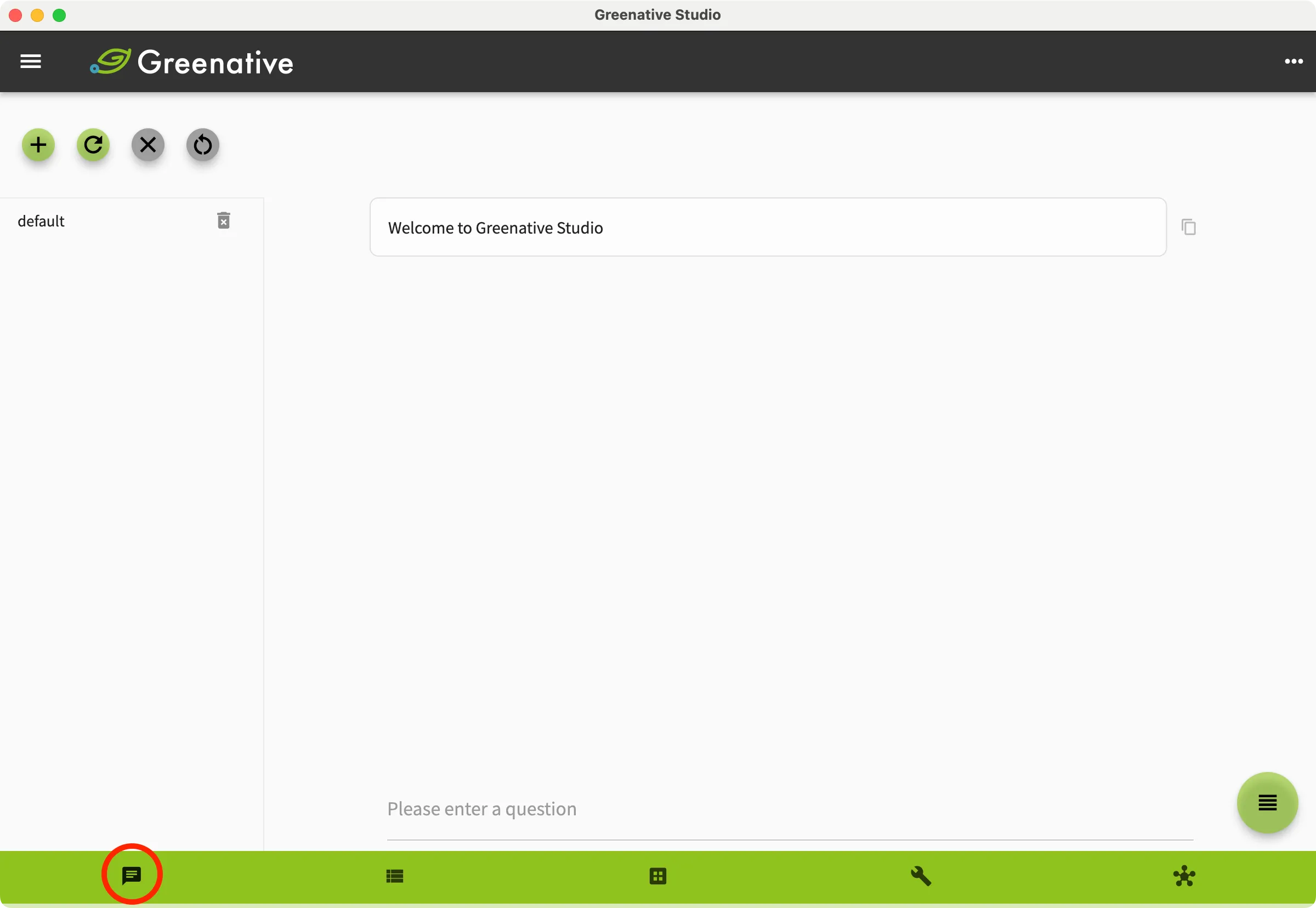 | 1. Click Chat in the bottom navigation bar to open the chat screen. A default thread is created immediately after installation. If the thread is not displayed, click  to refresh the thread list. to refresh the thread list. |
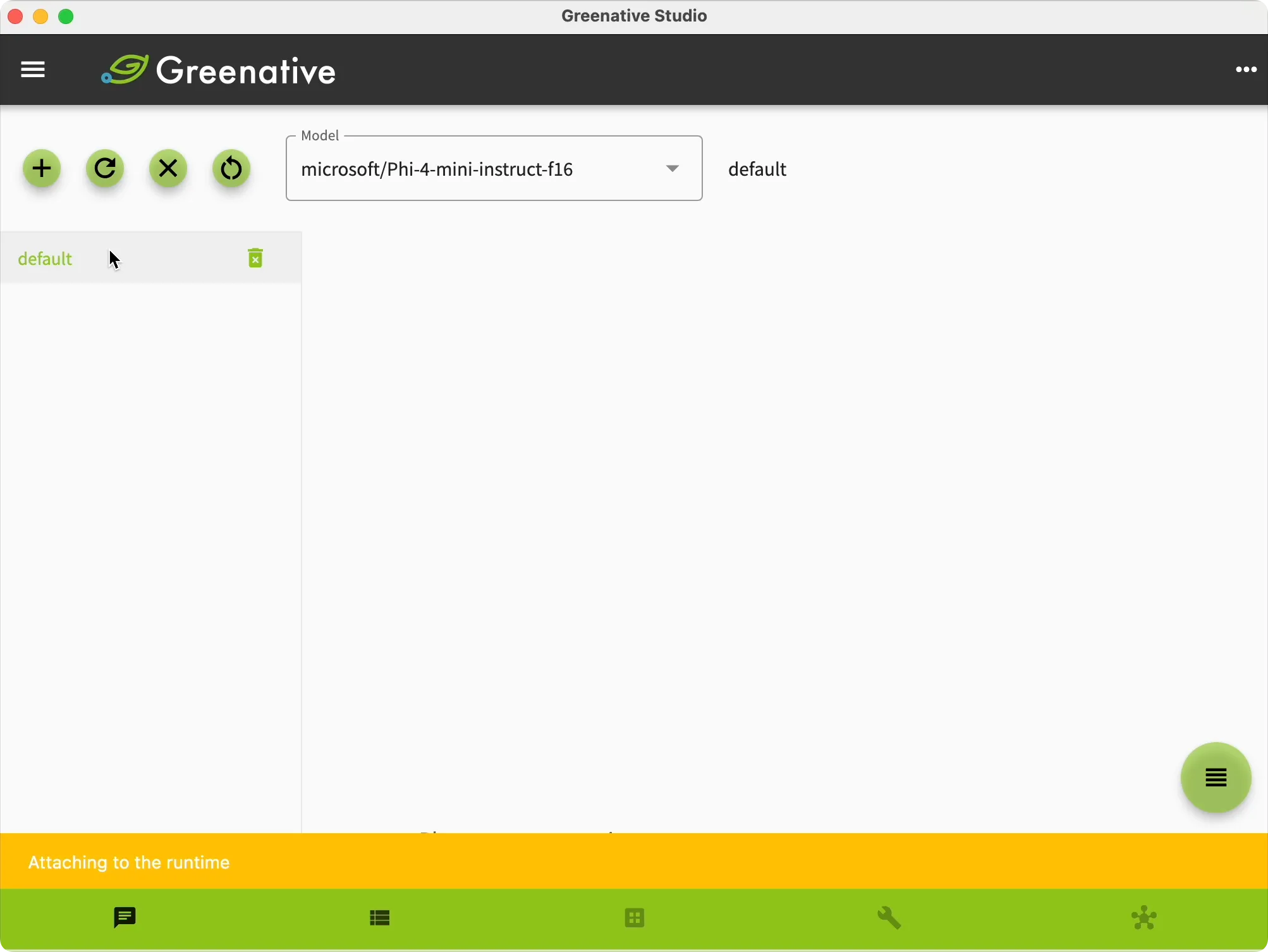 |
2. Click “default” in the thread list on the left side of the screen to start chatting. The message “Attaching to the runtime” appears at the bottom of the screen until the runtime is successfully connected. After the runtime is attached, you can start chatting. |
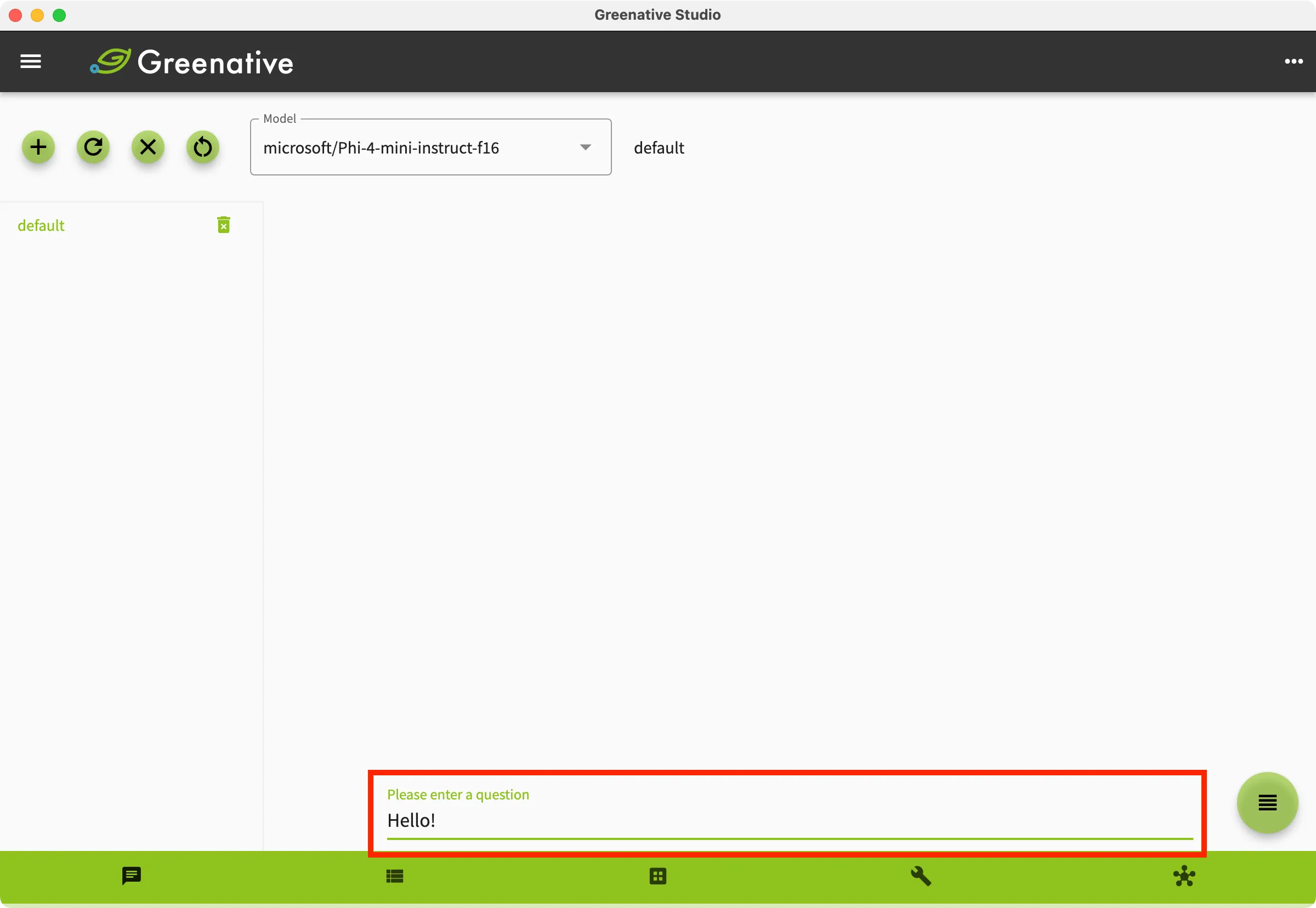 |
3. Enter your question in the area highlighted in red and press Enter. |
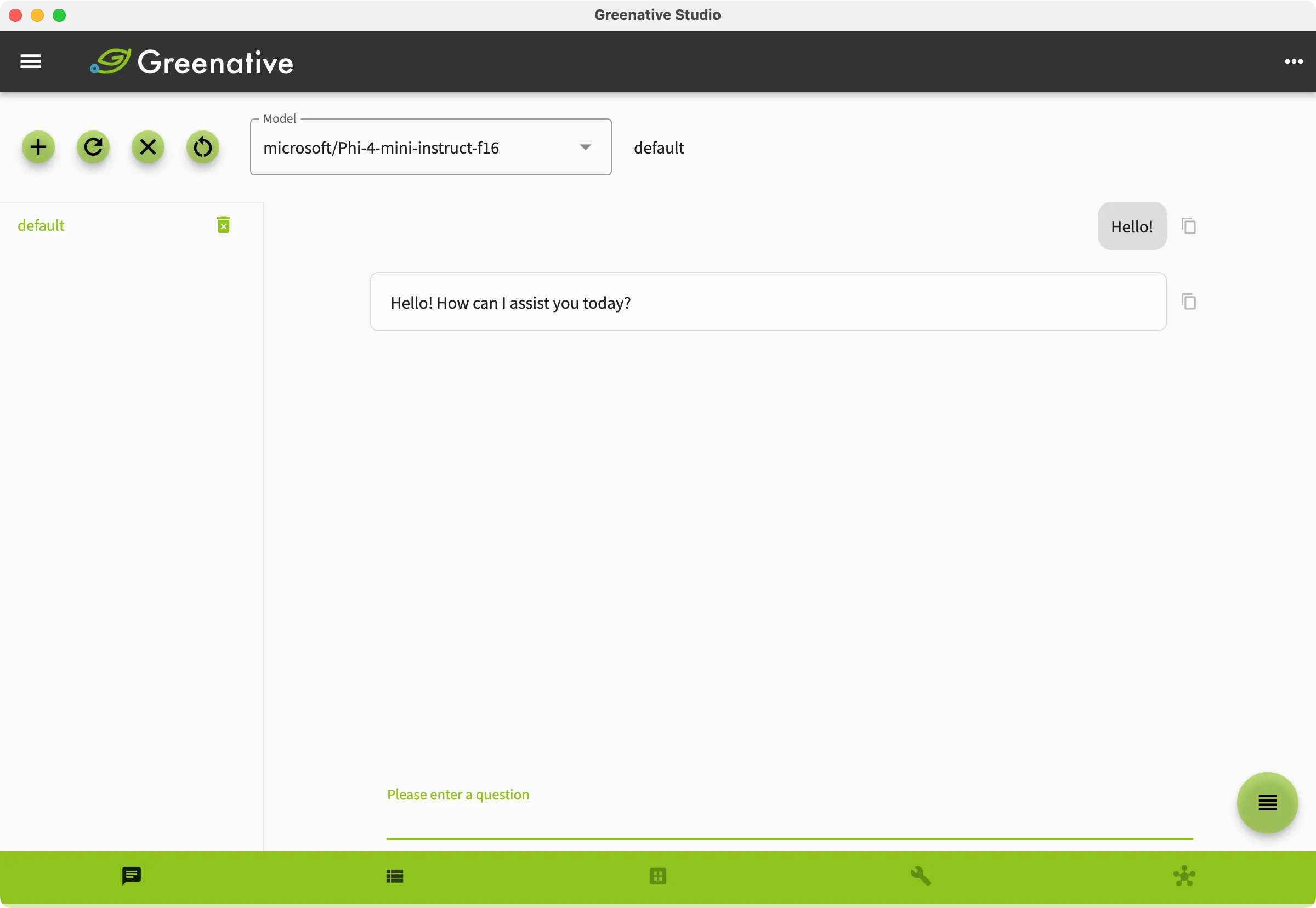 |
4.A response is displayed. |
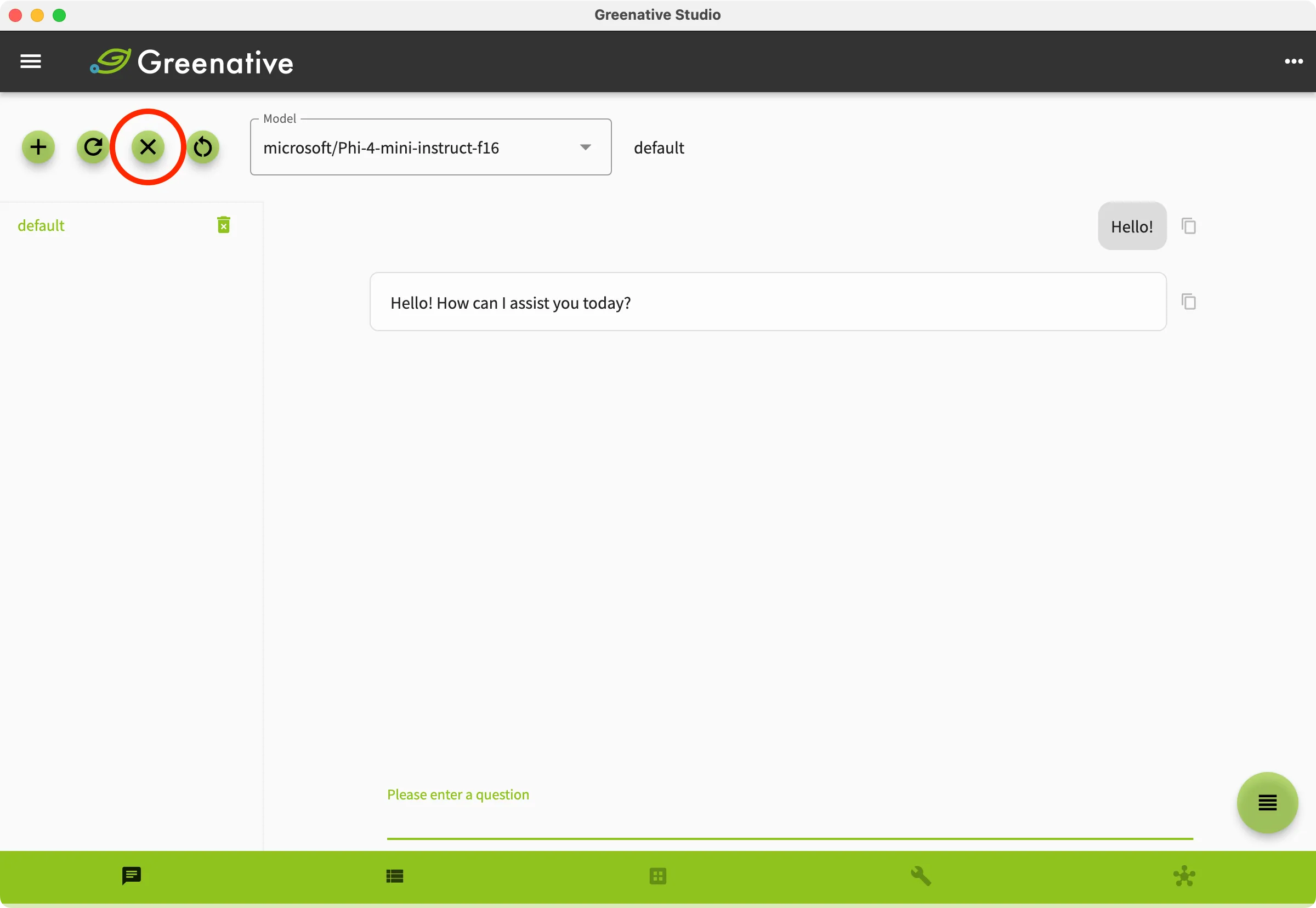 | (Note) Clicking  clears all content in the thread. clears all content in the thread. |
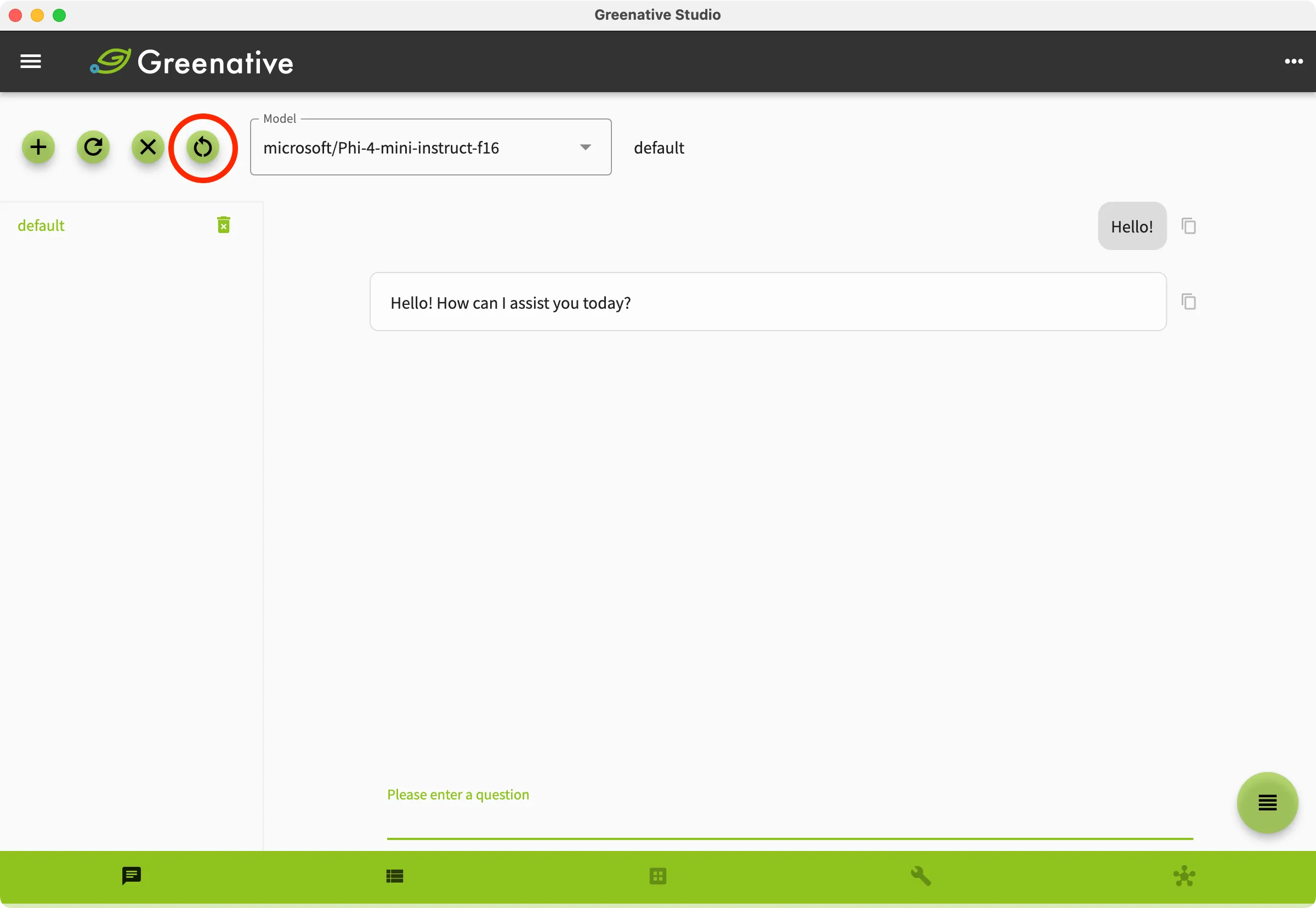 | (Note) Clicking  to restart the model. to restart the model. |