
Download Models
This section explains how to download models other than the default model.
A license is required to use models other than the default model.
For information on how to register a license, refer to Register License.
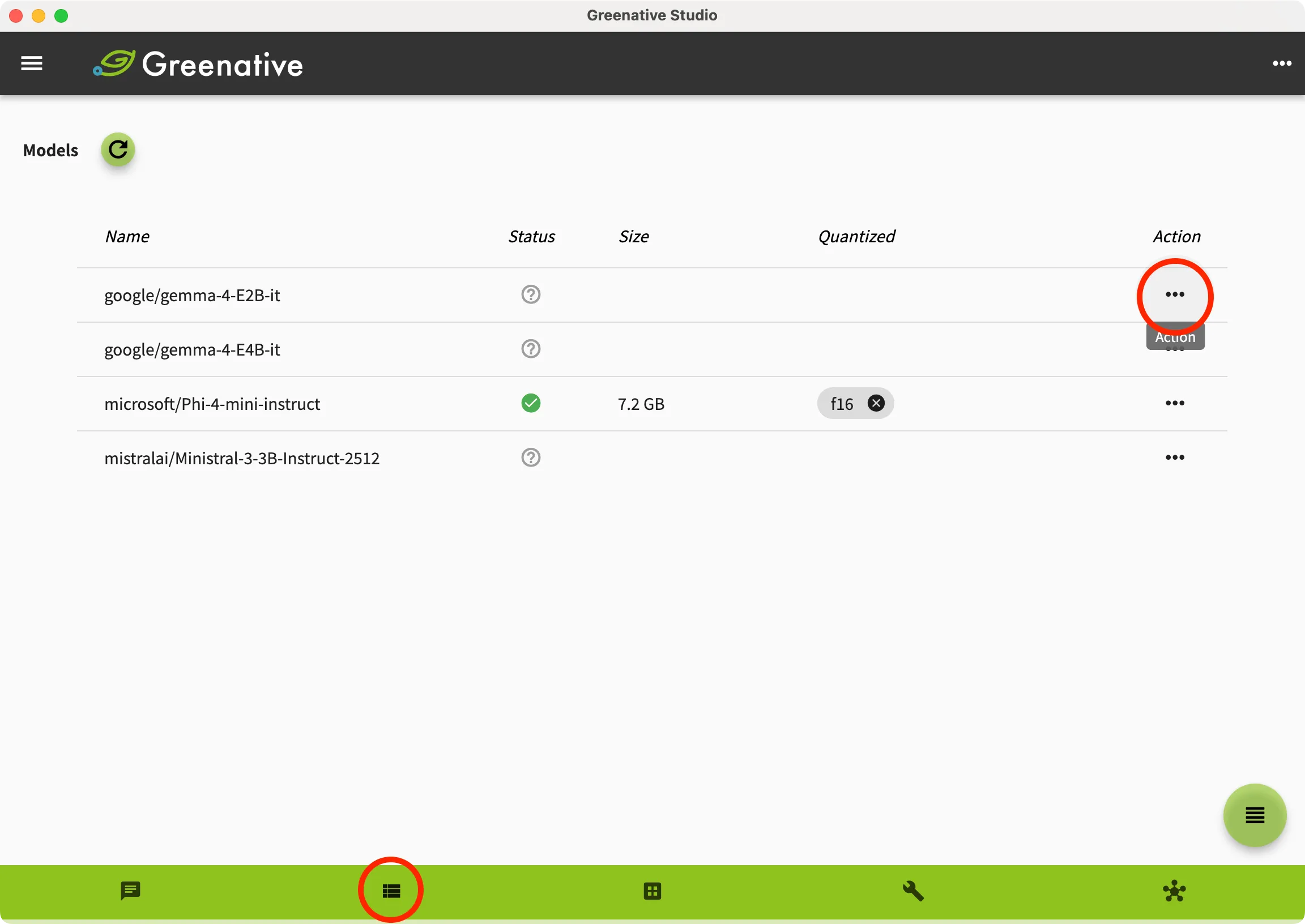 | 1. Open the “Model” screen. 2. Select the model you want to download from the model list, and click the Action  . . |
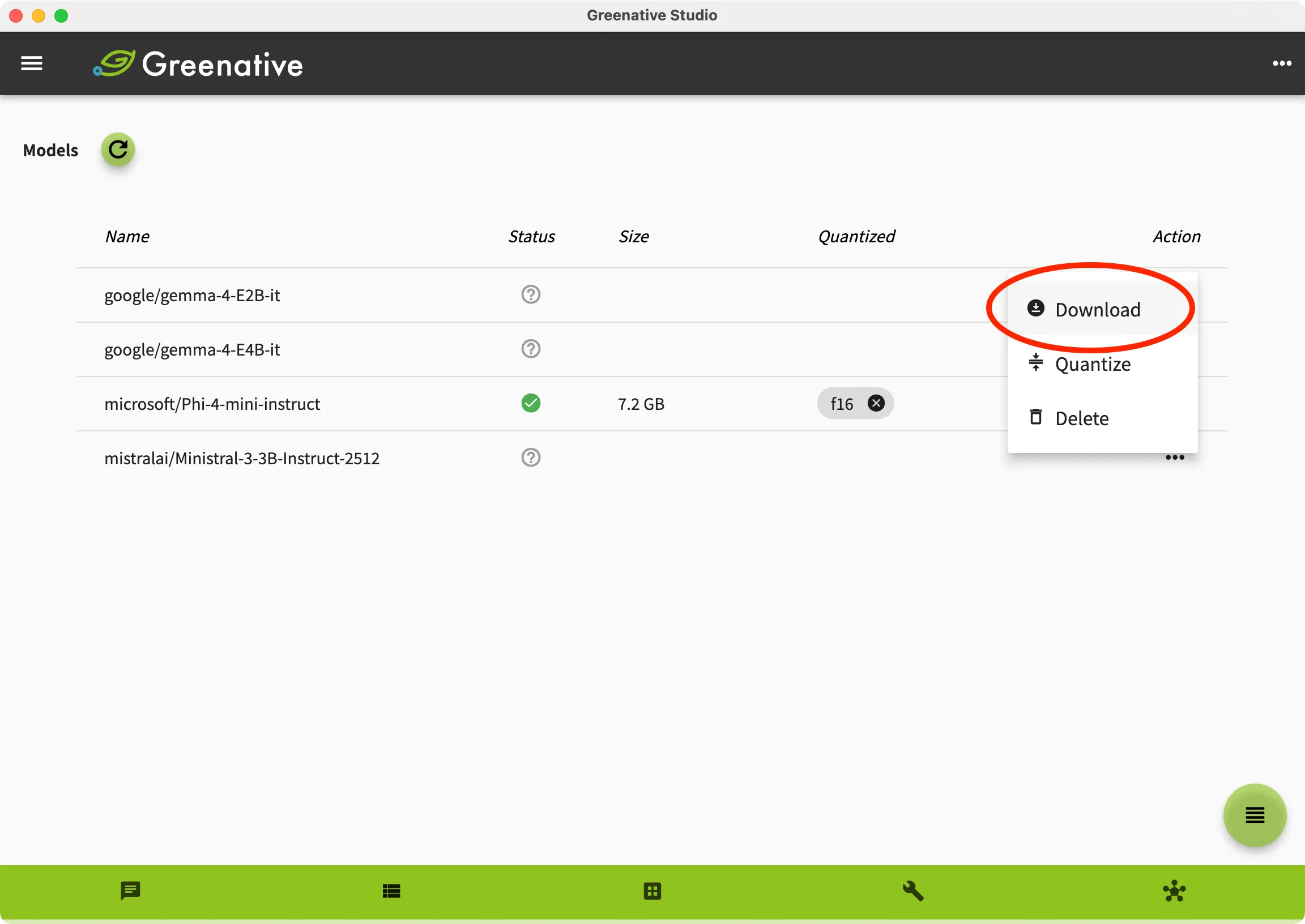 |
3. Click Download to start the download. |
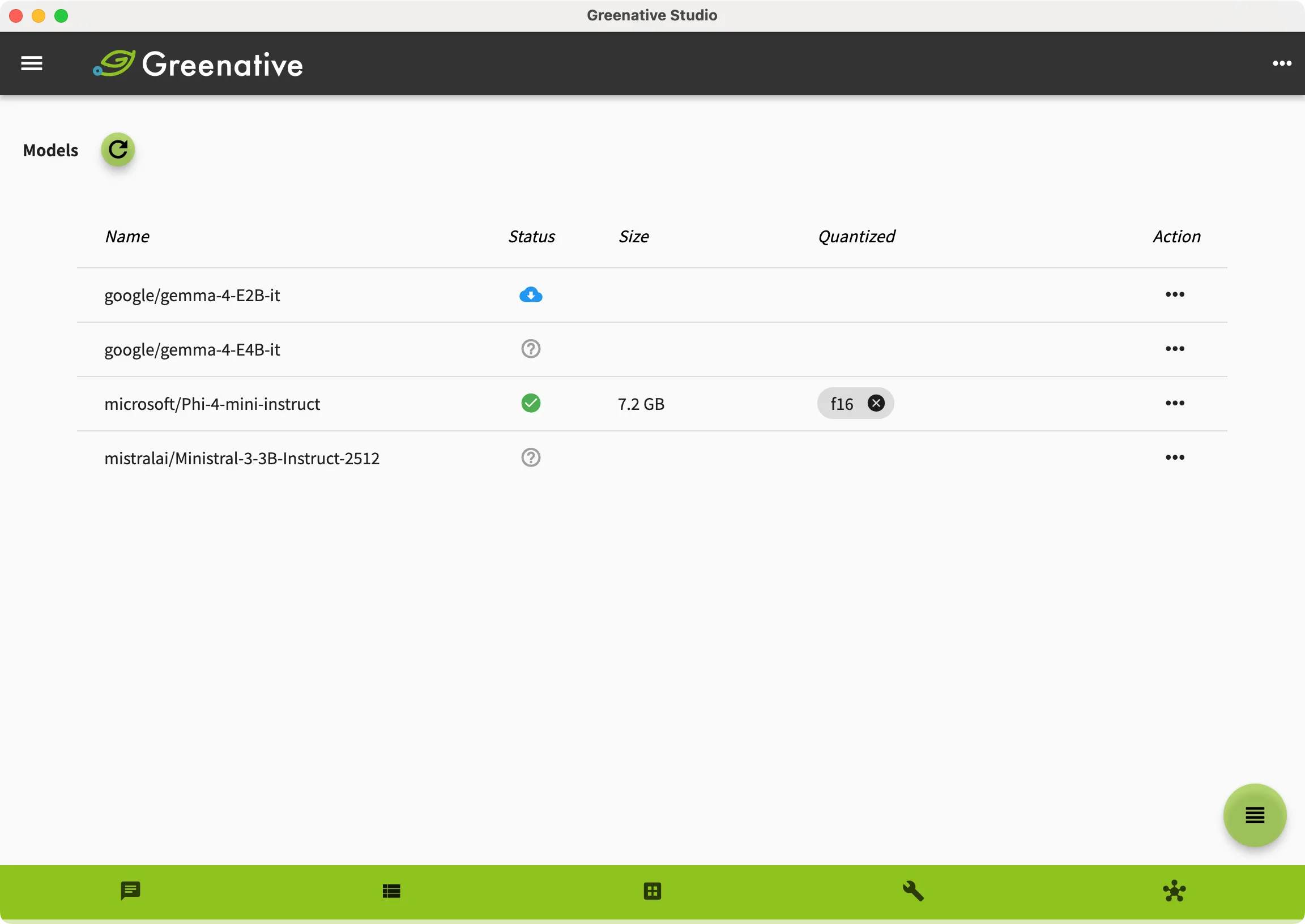 | 4. While the model is being downloaded,  is displayed in the Status column. is displayed in the Status column. |
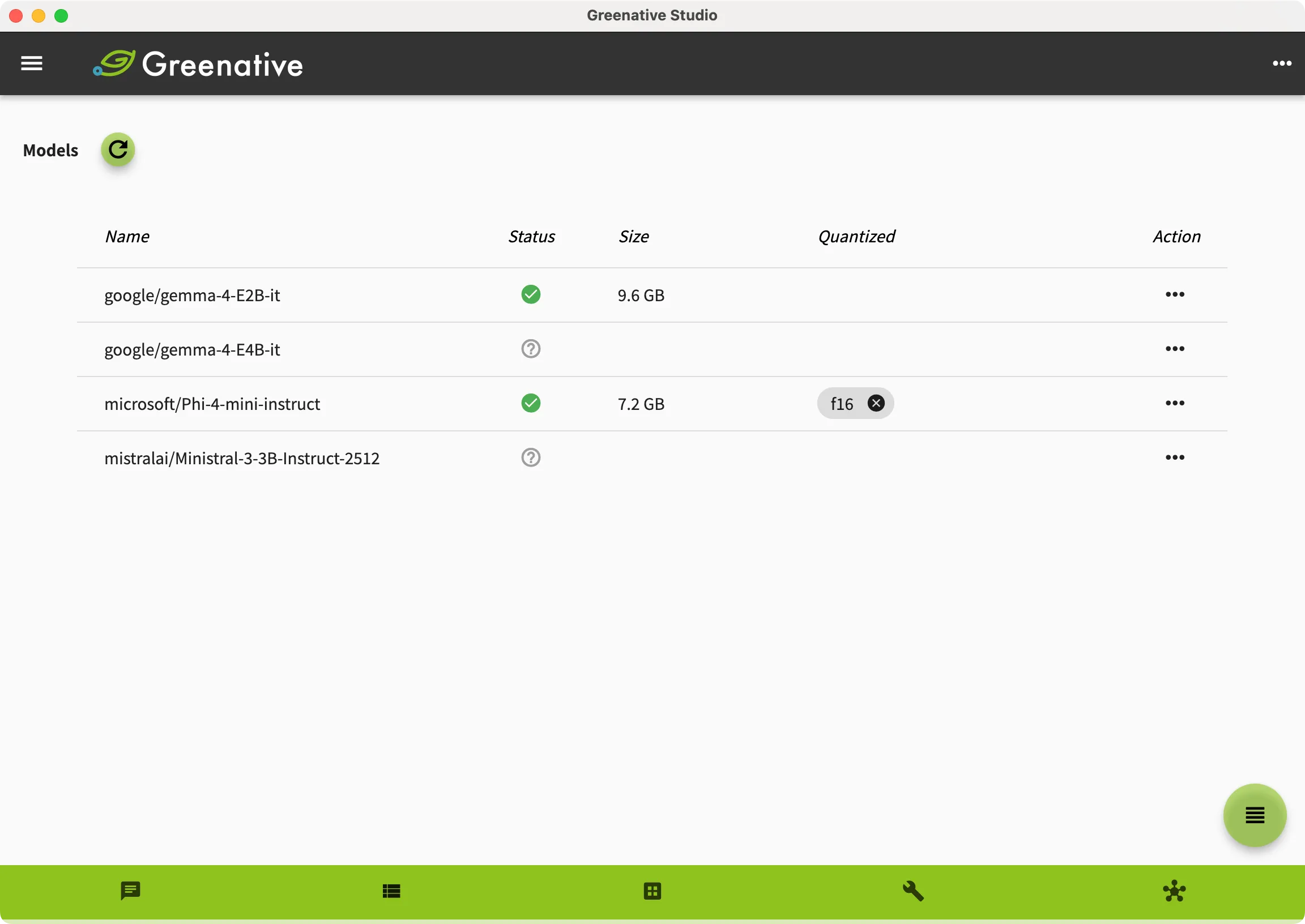 | 4. When the download is completed successfully,  is displayed in the Status column. is displayed in the Status column.The downloaded model must be quantized before it can be used. |